

If you want to use the Smarters Player Lite app, you are in the right place.
This article will guide you through everything you need to know about the app and show you, step by step, how to add your playlist and start watching your channels.
Easy navigation
What is Smarters Player Lite?
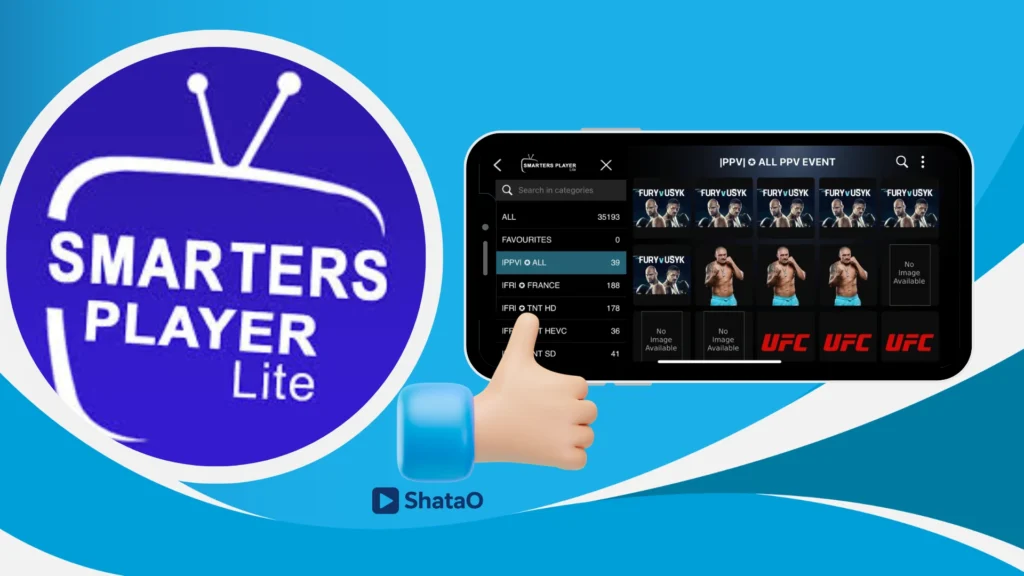
IPTV Smarters Player Lite is a smooth, high-quality media player that works across multiple devices. It supports M3U playlists and JSON files, and includes the Xtream Code feature for faster, more stable access. The app is lightweight, easy to use, and offers a seamless IPTV viewing experience.
My experience :
To understand how this app works, we will first download it from the App Store.
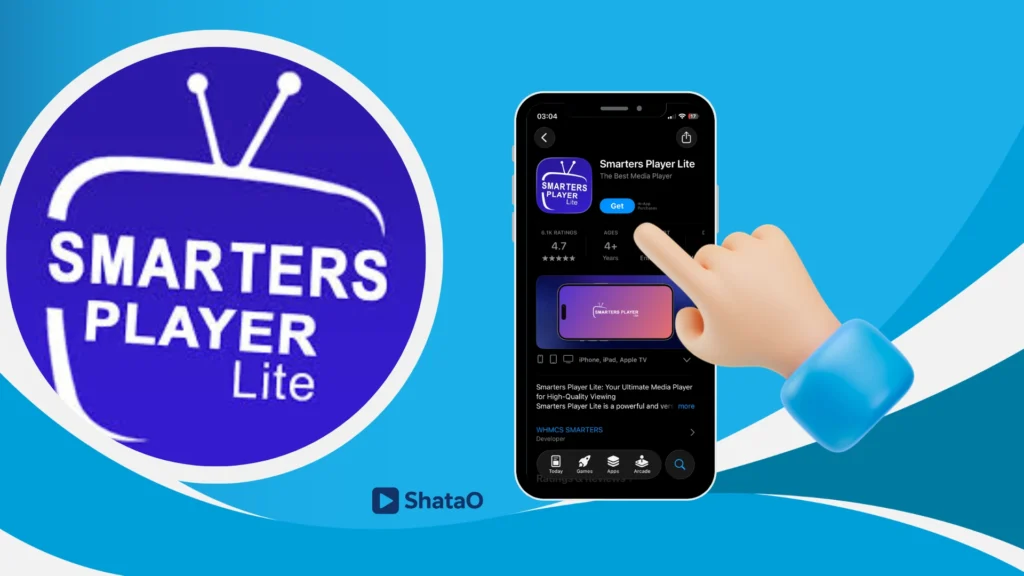
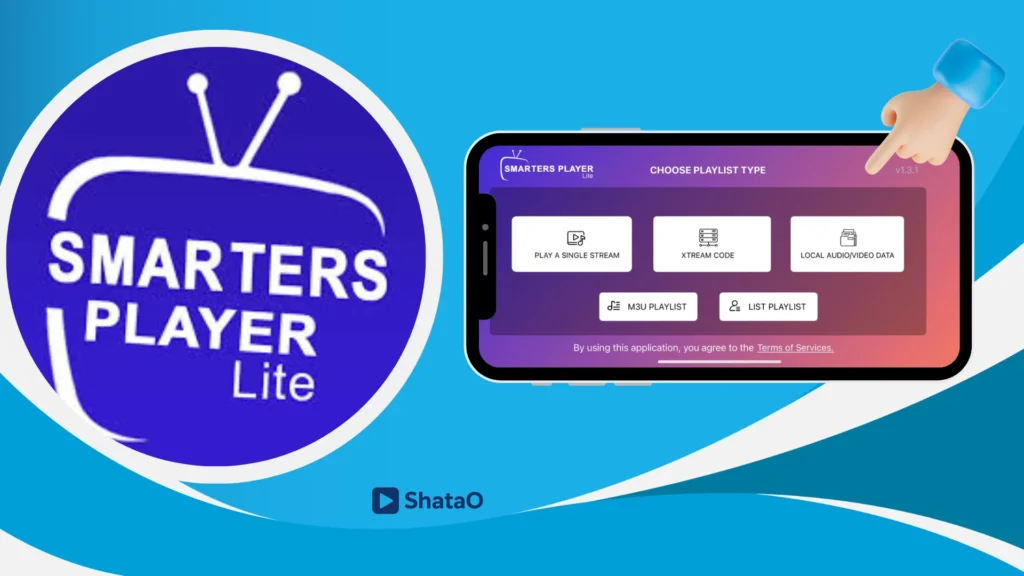
After that, we will open the app. At first, you will see some app privacy information. We will accept the terms, and then the app will take us to the main screen, where we can choose which type of playlist we want to add.
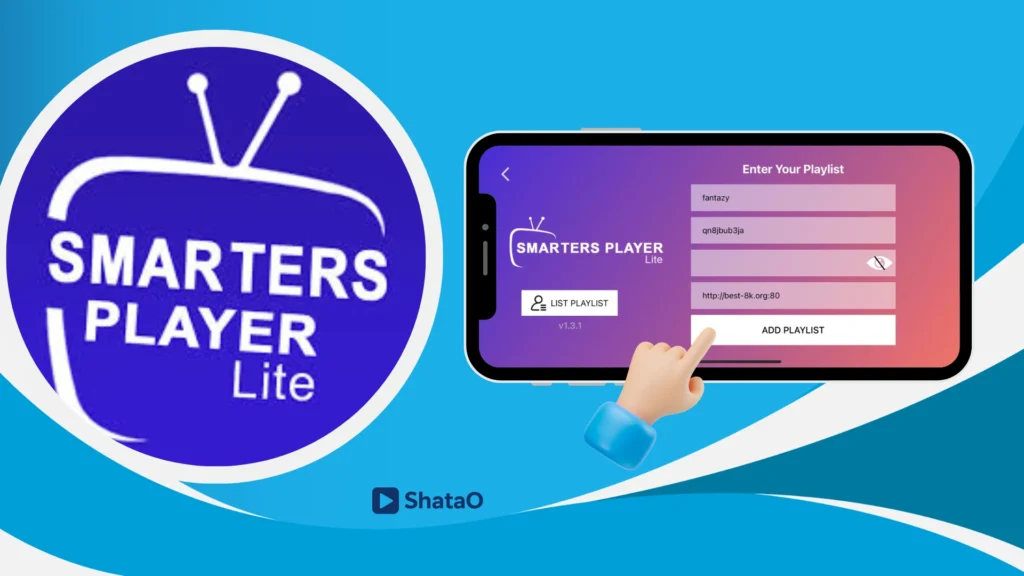
We will add a playlist using Xtream Code and enter the required information we previously received from the provider. We will enter the playlist name, the username, the password, and the server url, then we will add it to load the channels.
You will find the playlist has been added successfully, and we will open it.
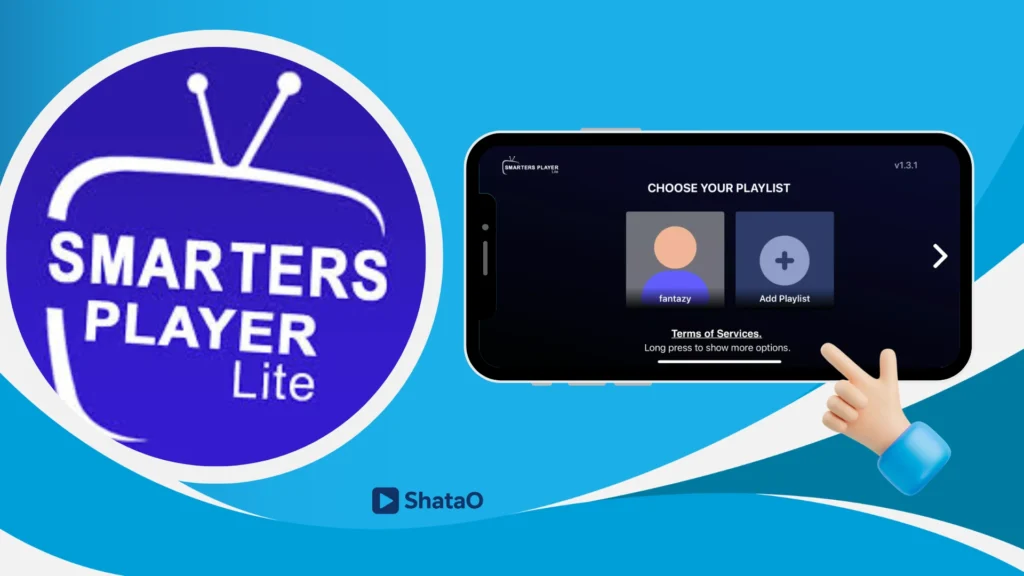
You will immediately find a ready-made playlist to enjoy live streams, movies, or series, depending on what you prefer.
Alternative applications to Smarters Player Lite
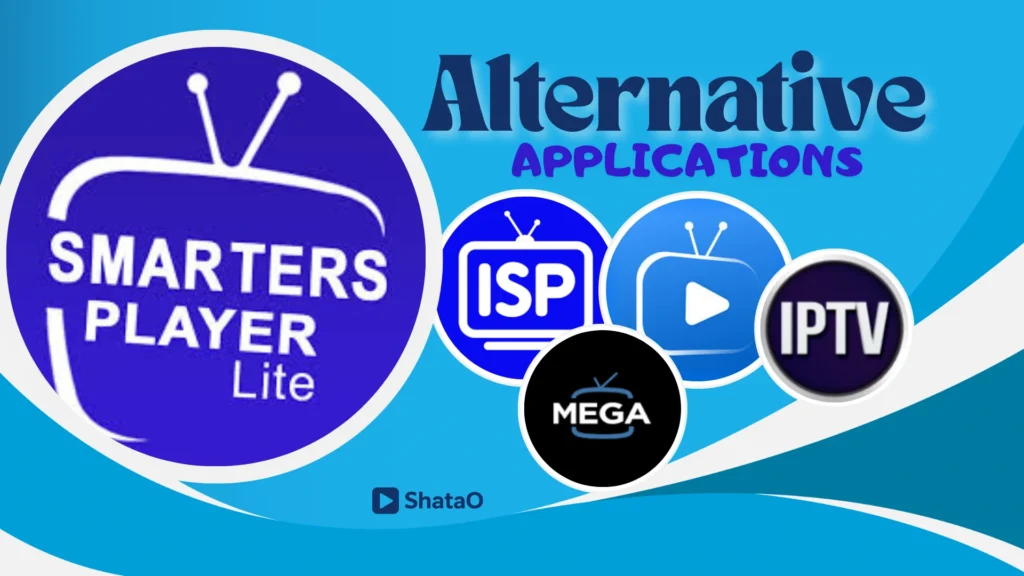
GSE Smart IPTV
It is considered one of the best media players for its ease of use, offering smooth access to TV and video features for a simple entertainment experience. The app provides excellent accessibility, as it does not include any content but allows the user to play playlists from their own sources. You can personalise the settings for better control, and the developer ensures stable performance.
Mega IPTV
It is also an ideal option and similar to the main app, offering a clean design that helps users manage their playlists easily. With a verified by Apple status, it ensures safety and smooth performance. You can purchase premium options using your account, check ratings and reviews, explore version history, and see what’s new in each update. The interface is intuitive, and user tips help improve usage.
IPTV Stream Player
This player is one I tested before, and it was amazing—simple, not complicated, and filled with powerful features. It supports major video formats, smooth live streaming, and a user-friendly interface. It does not include any TV or media content, and it follows legal guidelines and terms of use. The app does not host any copyrighted content, so users must add their own content, making it a reliable, pro-grade IPTV option.
IPTV Smart Player
This player is also one of the influential video players that delivers an enjoyable cinematic experience. It supports almost all video formats and is very easy to use, with a simple, clean interface. You can organise channels, playlists, and videos into a single library, making everything accessible in seconds. It is perfect for use at home, while travelling, or even at the airport. The app also includes additional premium features available through an upgrade.
Conclusion
Smarters Player Lite delivers a smooth, reliable IPTV experience with easy setup and straightforward navigation. In this guide, we showed how to use it and shared similar apps you might also like for more viewing options.
You can see screenshots for visual support, and if you need any assistance, don’t hesitate to contact us.
Ready to use Smarters Player Lite? You’ll need an IPTV subscription first — check our guide to the best IPTV providers in the UK, tested and ranked to help you pick the right one.
